Trust Lists: VICAL & RICAL
Every mdoc exchange includes a trust decision:
- A verifier receives a document and must decide whether the issuing authority that signed it is one it trusts.
- A holder receives a request and must decide whether the reader asking for data is one it trusts.
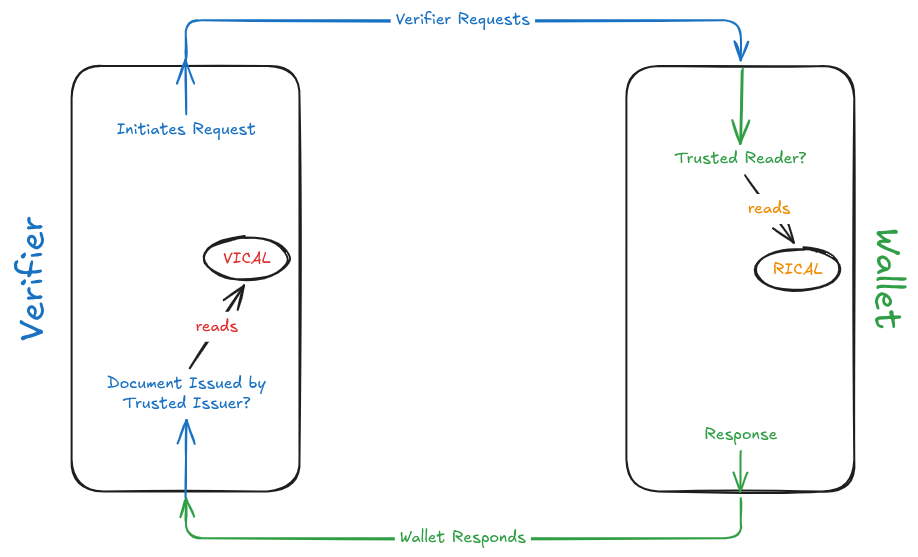
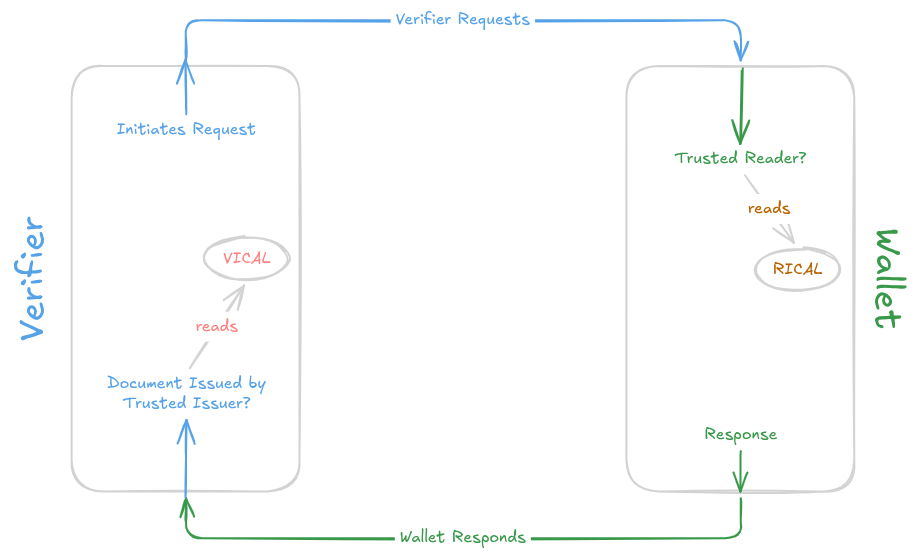
The Reader Trust and Issuer Trust sections show how to answer these questions by pinning individual root certificates in a TrustManager. That works for a handful of parties, but not for an ecosystem with dozens of issuing authorities or thousands of relying parties, each rotating keys on its own schedule.
Trust lists solve that. A trust list is a signed, versioned bundle of CA certificates published by a trust list provider. Your app trusts one key — the provider's — and gets the whole membership list, refreshed by downloading a new bundle:
- VICAL (Verified Issuer Certificate Authority List) — a list of issuer CA certificates (IACAs). Consumed by verifiers. Defined in ISO/IEC 18013-5:2021.
- RICAL (Reader Issuer Certificate Authority List) — a list of reader CA certificates. Consumed by holders. Defined in ISO/IEC 18013-5 Second Edition Annex F.
At a glance
| VICAL | RICAL | |
|---|---|---|
| Lists certificates of | Issuing authorities (IACAs) | Reader / relying party root CAs |
| Consumed by | Verifier (reader) apps | Holder (wallet) apps |
| Answers | "Is this mDL from an issuer I trust?" | "Is this reader allowed to ask me for data?" |
| Specification | ISO/IEC 18013-5:2021 | ISO/IEC 18013-5 Second Edition Annex F |
| Encoding | COSE_Sign1 over a CBOR map | COSE_Sign1 over a CBOR map |
Signer chain (x5chain) | Unprotected header | Protected header |
| Multipaz model | Vical, VicalCertificateInfo, SignedVical | Rical, RicalCertificateInfo, SignedRical |
| Multipaz trust manager | VicalTrustManager | RicalTrustManager |
VICAL
A VICAL is published by a VICAL provider — a body that vets issuing authorities and republishes their IACA certificates as a single signed list. Rather than importing each issuer's root certificate by hand, a verifier imports the VICAL and trusts every issuer in it.
Structure
Vical carries the list-level metadata:
Each entry is a VicalCertificateInfo:
Parsing a VICAL
SignedVical.parse() decodes the COSE_Sign1, pulls the signer chain out of the unprotected header and — unless you opt out — checks the signature against the public key of the leaf certificate in that chain:
import org.multipaz.mdoc.vical.SignedVical

val signedVical = SignedVical.parse(encodedSignedVical = bytes)

println("Provider: ${signedVical.vical.vicalProvider}")
println("Issue:    ${signedVical.vical.vicalIssueID} of ${signedVical.vical.date}")
println("Entries:  ${signedVical.vical.certificateInfos.size}")

// The chain that signed the list — check this against your own trust anchor
// for the VICAL provider.
val providerChain = signedVical.vicalProviderCertificateChain
parse() throws IllegalArgumentException if the list is malformed and SignatureVerificationException if the signature does not check out. Passing disableSignatureVerification = true skips only the signature check, which is useful when inspecting a list you have already verified — never when importing one you just downloaded.
Verifying the signature only proves the list was signed by the key in the embedded x5chain. It does not prove that chain belongs to a provider you trust — that check is yours to make, by pinning the VICAL provider's root certificate.
RICAL
A RICAL is the mirror image: a signed list of reader root CA certificates, so a wallet can recognise legitimate readers — police, retail age checks, car rental desks — without shipping a certificate for each one.
Structure
Rical carries the list-level metadata:
Each entry is a RicalCertificateInfo:
Parsing a RICAL
import org.multipaz.mdoc.rical.SignedRical

val signedRical = SignedRical.parse(encodedSignedRical = bytes)

println("Provider: ${signedRical.rical.provider}")
println("Type:     ${signedRical.rical.type}")
println("Entries:  ${signedRical.rical.certificateInfos.size}")

val providerChain = signedRical.ricalProviderCertificateChain
The API mirrors SignedVical, with one wire-level difference worth remembering if you interoperate with other implementations: a RICAL carries x5chain in the protected header, a VICAL in the unprotected one.
Using trust lists in your app
Multipaz exposes trust lists through the same TrustManagerInterface used for pinned certificates, so nothing downstream of the trust decision has to change.
Standalone trust managers
VicalTrustManager and RicalTrustManager wrap a single parsed list and are entirely in-memory — handy when the list is bundled with the app or fetched on every launch:
import org.multipaz.trustmanagement.RicalTrustManager
import org.multipaz.trustmanagement.VicalTrustManager

val issuerTrustManager = VicalTrustManager(signedVical, identifier = "vical")
val readerTrustManager = RicalTrustManager(signedRical, identifier = "rical")

val result = issuerTrustManager.verify(chain = documentSignerChain)
if (result.isTrusted) {
    val trustPoint = result.trustPoints.first()
    println("Trusted issuer: ${trustPoint.metadata.displayName}")
} else {
    println("Not trusted: ${result.error}")
}
Both build a Subject Key Identifier → TrustPoint index from the entries, then validate the presented chain against it. The display name of a trust point falls back to the certificate subject when the list gives none — issuingAuthority for VICAL entries, name for RICAL entries.
Persisted trust lists
TrustManager — the storage-backed implementation you already use for pinned certificates — can store VICAL/RICAL lists alongside individual certificates:
import kotlinx.io.bytestring.ByteString
import org.multipaz.mdoc.vical.SignedVical
import org.multipaz.trustmanagement.TrustManager
import org.multipaz.trustmanagement.TrustMetadata

val trustManager = TrustManager(storage = storage, identifier = "issuer")

val encodedSignedVical = ByteString(/* fileBytes or downloadedBytes */)

// Parse once first: this is what verifies the signature.
SignedVical.parse(
    encodedSignedVical = encodedSignedVical.toByteArray(),
    disableSignatureVerification = false
)

val entry = trustManager.addVical(
    encodedSignedVical = encodedSignedVical,
    metadata = TrustMetadata(
        displayName = "Utopia VICAL Provider",
        privacyPolicyUrl = "https://example.com/privacy",
        testOnly = false
    )
)
addRical() is the same call for reader lists. Both return a TrustEntry (TrustEntryVical / TrustEntryRical) holding the raw bytes, which you can later hand to updateVical() / updateRical() when a new issue is published, or to deleteEntry().
addVical() and addRical() parse the list with signature verification disabled, because they are also used to restore entries from storage. Always parse the bytes yourself with verification enabled — as in the snippet above — before adding a list.
Backend-provided lists
ConfigurableTrustManager holds a list of TrustEntry items handed to it — typically fetched from your own backend — and swaps the whole set atomically via setEntries(). It handles TrustEntryX509Cert, TrustEntryVical and TrustEntryRical alike, so a backend can mix pinned certificates and trust lists in one payload.
Combining sources
Real apps usually need several sources at once: a built-in list shipped with the app, a VICAL from an ecosystem provider, and certificates the user imported by hand. CompositeTrustManager stacks them and returns the first TrustResult where isTrusted is true:
import org.multipaz.trustmanagement.CompositeTrustManager

val trustManager = CompositeTrustManager(
    listOf(builtInTrustManager, vicalTrustManager, userTrustManager)
)
Within a single TrustManager or ConfigurableTrustManager, verification is tried in a fixed order: VICALs first, then RICALs, then individually pinned certificates.
Wiring it into the getting started sample
Reader trust in the Getting Started sample is set up in AppContainerImpl (see Reader Trust). Adding a RICAL there is a drop-in extension of the existing certificate-pinning code:
// core/src/commonMain/kotlin/.../core/AppContainerImpl.kt
override suspend fun init() {
    // ... storage and document store initialization

    readerTrustManager = TrustManager(storage = storage, identifier = "reader")

    // Individually pinned readers, as before.
    readerTrustManager.addX509Cert(/* ... */)

    // Plus every reader in the ecosystem's RICAL.
    val encodedSignedRical = ByteString(
        Res.readBytes("files/your_trust_list.rical")
    )
    // parse once
    SignedRical.parse(
        encodedSignedRical = encodedSignedRical.toByteArray(),
        disableSignatureVerification = false
    )
    readerTrustManager.addRical(
        encodedSignedRical = encodedSignedRical,
        metadata = TrustMetadata(displayName = "Utopia Reader Trust List")
    )
}
Issuer trust on the verifier side works the same way with addVical().
Keeping lists fresh
A trust list is a snapshot. Both formats carry the fields you need to keep it current — date, nextUpdate, notAfter, vicalIssueID / id, and vicalUrl / latestRicalUrl — but Multipaz does not refresh lists for you, and the trust managers do not reject a list whose notAfter has passed. Certificate validity inside the chain is checked, at the atTime you pass to verify().
So, in your app:
- Schedule a refresh from
vicalUrl/latestRicalUrlat or beforenextUpdate. - Compare
vicalIssueID/idwith what you already hold, and skip the update if it has not increased. - Verify the new list's signature and its provider chain before replacing the old one —
updateVical()/updateRical()keep the sameTrustEntryidentifier and metadata. - Decide what
notAftermeans for your product — refusing to use an expired list is the safe default.
Note also that isTrustAnchor on RICAL entries is parsed but not yet enforced: RicalTrustManager currently indexes every entry as a trust point. Filter the entries yourself if you need that distinction. If set to true, the certificate shall be treated as a trust anchor during certificate path validation. If set to false, the certificate shall not be used as a trust anchor.
Publishing a trust list
Trust lists are usually consumed, not produced, but Multipaz can generate them too — useful for test ecosystems and CI fixtures. SignedVical.generate() and SignedRical.generate() take the provider's signing key and return the encoded COSE_Sign1:
import org.multipaz.crypto.AsymmetricKey
import org.multipaz.crypto.X509CertChain
import org.multipaz.mdoc.rical.Rical
import org.multipaz.mdoc.rical.RicalCertificateInfo
import org.multipaz.mdoc.rical.SignedRical
import kotlin.time.Clock
import kotlin.time.Duration.Companion.days

val now = Clock.System.now()

val signedRical = SignedRical(
    rical = Rical(
        type = Rical.RICAL_TYPE_READER_AUTHENTICATION,
        version = "1.0",
        provider = "Utopia RICAL Provider",
        date = now,
        nextUpdate = now + 30.days,
        notAfter = now + 180.days,
        certificateInfos = listOf(
            RicalCertificateInfo(certificate = readerRootCert, name = "Utopia Brewery"),
        ),
        id = 42L,
        latestRicalUrl = "https://example.com/rical",
        extensions = emptyMap()
    ),
    ricalProviderCertificateChain = X509CertChain(listOf(providerCert))
)

val encodedSignedRical = signedRical.generate(
    signingKey = AsymmetricKey.anonymous(providerKey, providerKey.curve.defaultSigningAlgorithm)
)
The signing key must match the public key in the leaf certificate of the provider chain. Building a VICAL is the same shape with Vical / VicalCertificateInfo, remembering that every entry needs at least one docType.
SignedVical.generate() writes certificate, serialNumber, ski, docType and extensions for each entry; issuingAuthority, issuingCountry, stateOrProvinceName and certificateProfiles are read by the parser but not currently written by the generator.
Trying it out
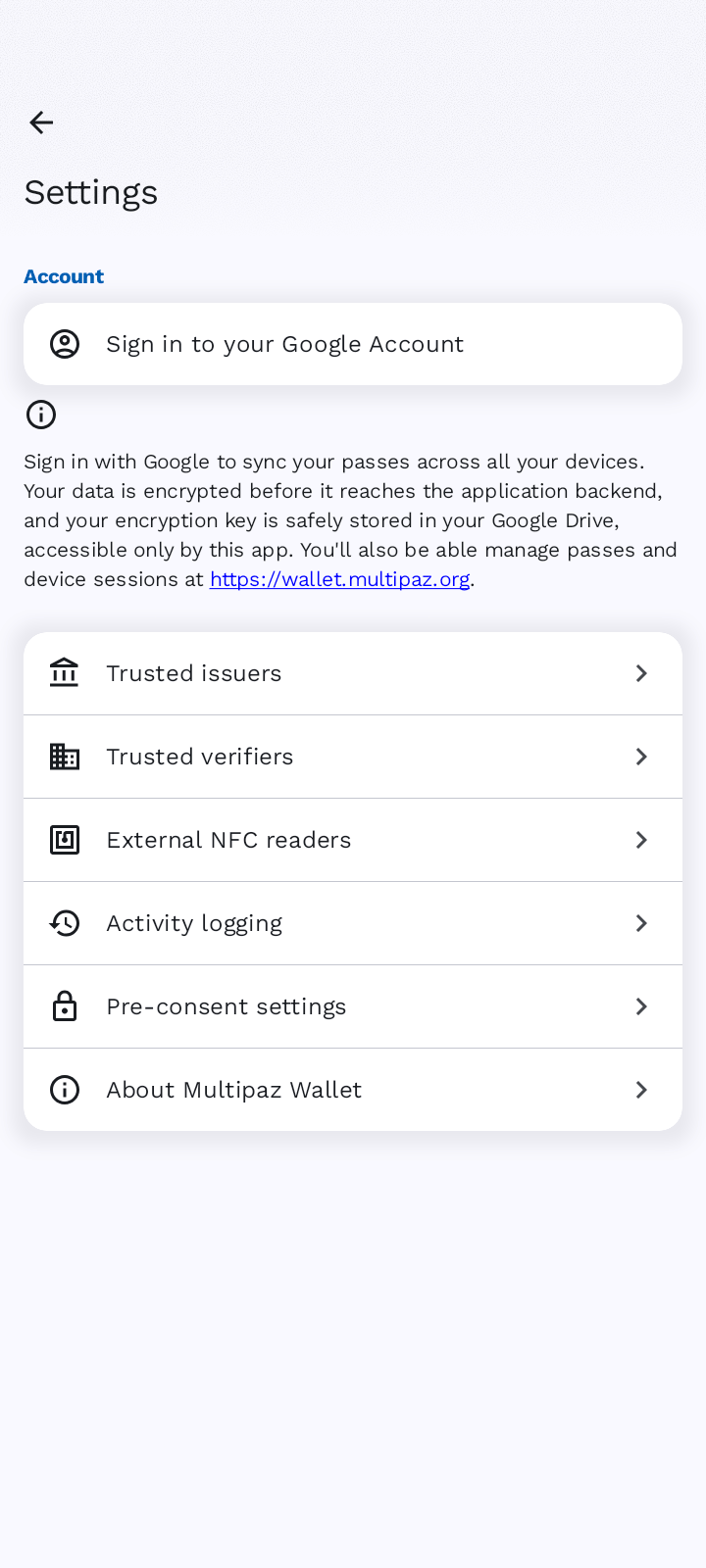
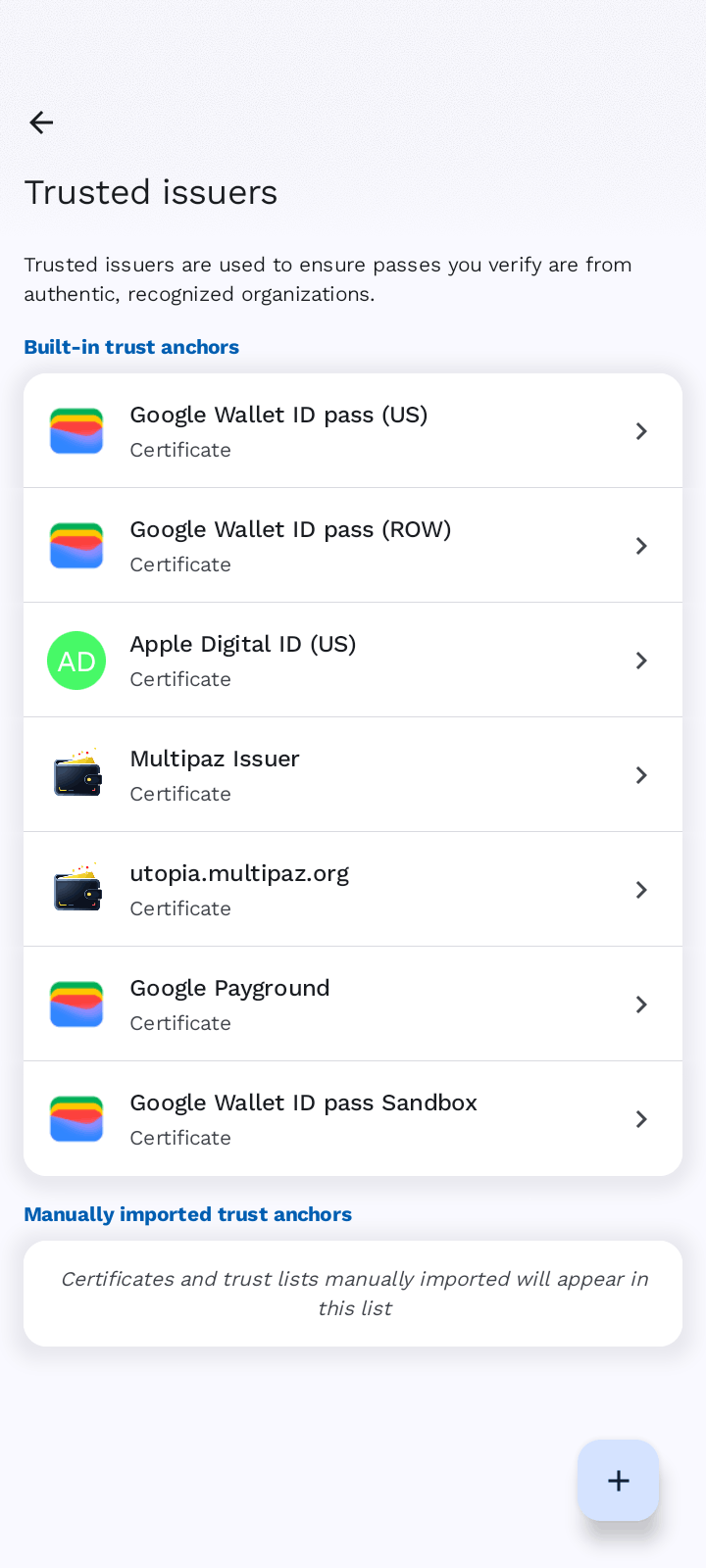
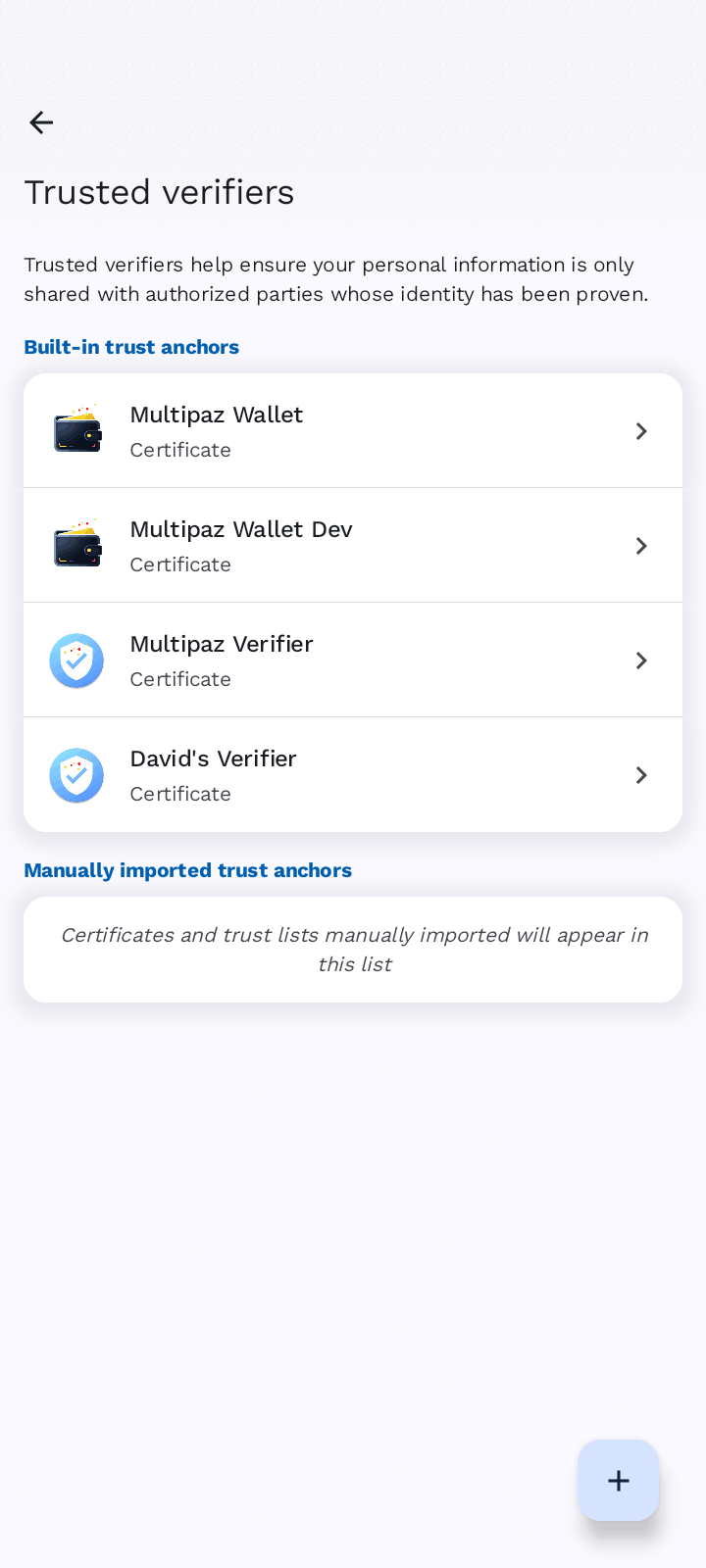
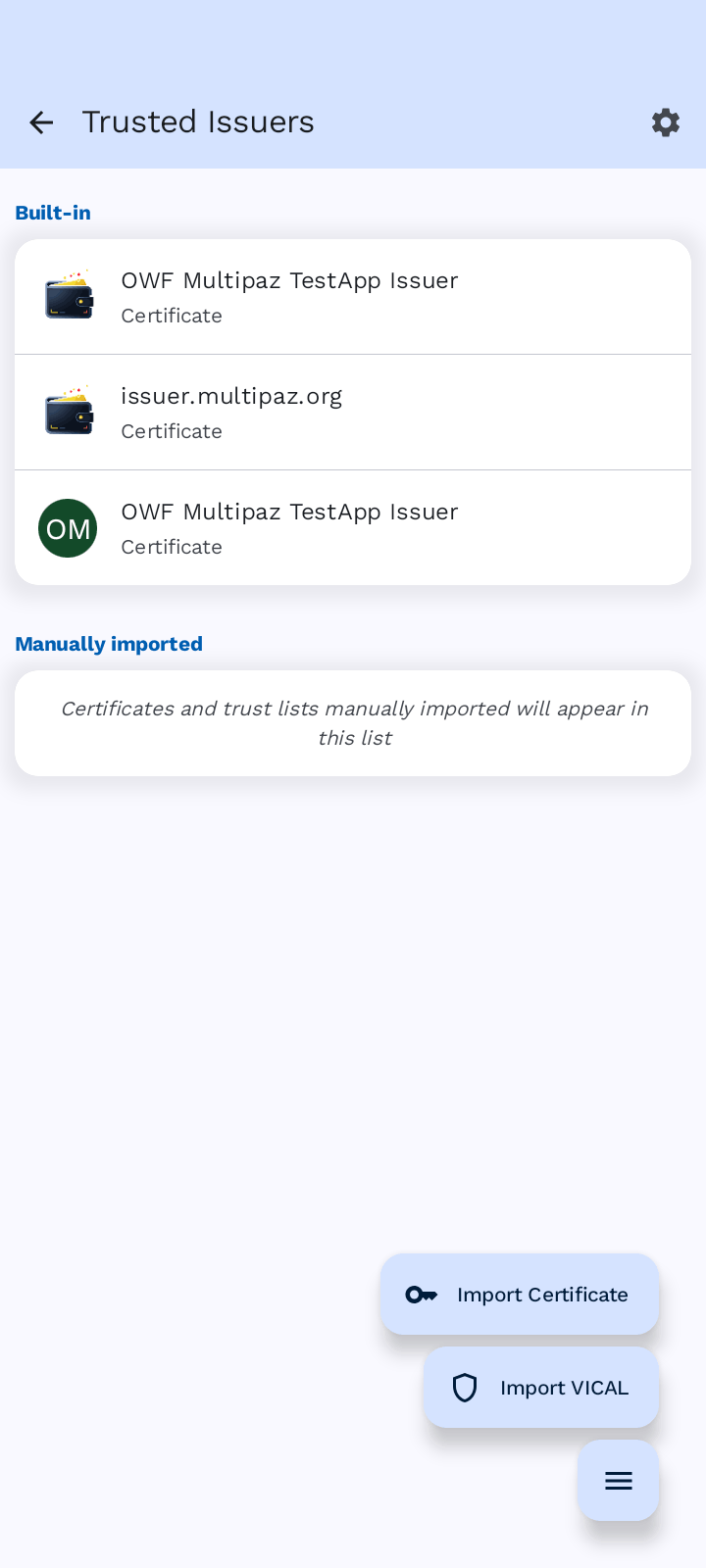
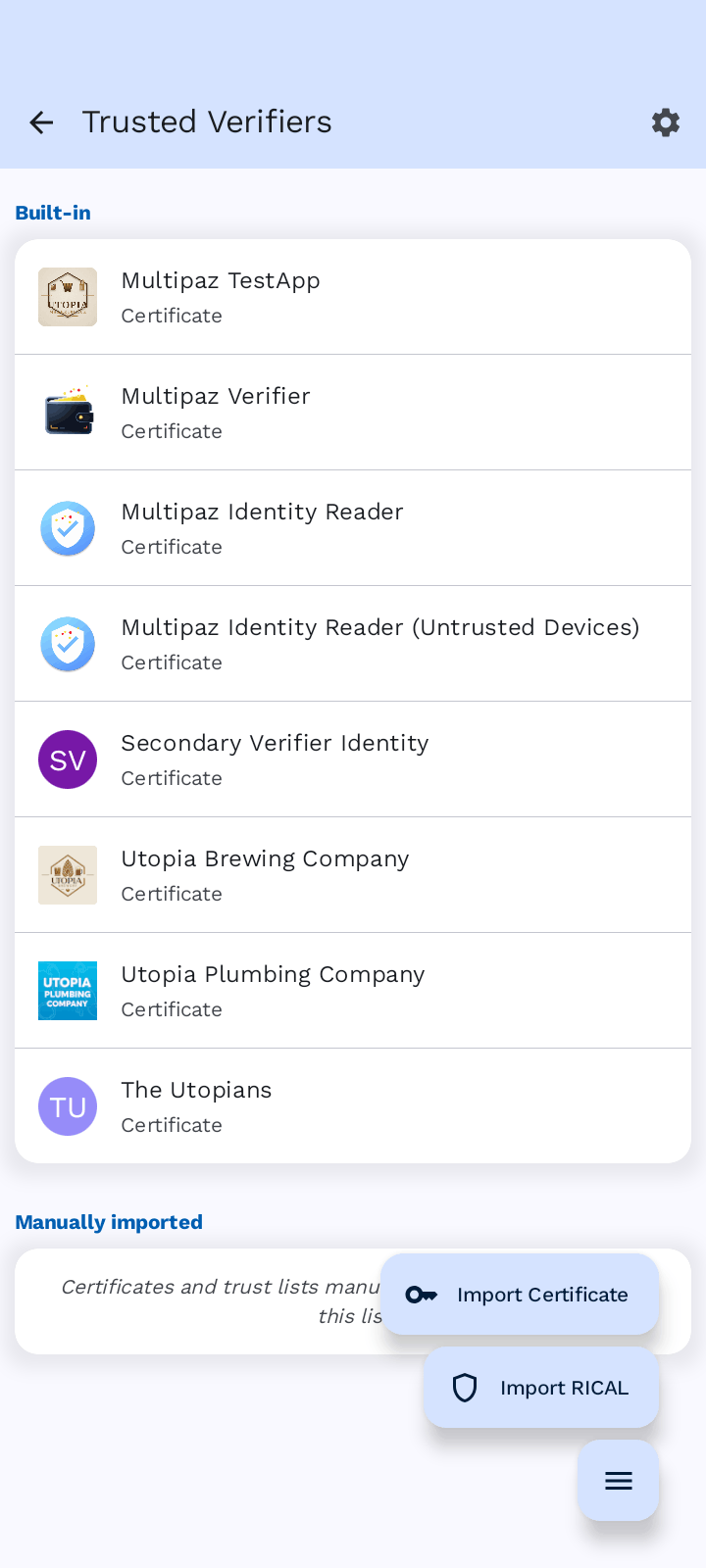
Both the Multipaz TestApp and Multipaz Wallet enables you to import VICAL and RICAL files. Both take a file, parse it with signature verification enabled, and add it to the app's trust manager, after which you can browse the individual certificates in the list and see which reader or issuer a live exchange matched.
References
- ISO/IEC 18013-5:2021, Annex C — VICAL
- ISO/IEC 18013-5 Second Edition (draft), Annex F — RICAL
- RFC 8152 — CBOR Object Signing and Encryption (COSE)
- Reader Trust — pinning reader certificates in a holder app
- Issuer Trust — pinning issuer certificates in a verifier app